
How do you use Claude AI so it actually understands you? You tell it who you are. A lot of people use Claude, it doesn’t work out for them, and they say, “Claude doesn’t work. Claude just doesn’t understand me.” And they are right, it doesn’t. They haven’t given it the information.
Claude doesn’t know you until you tell it
Almost everybody is going to tell you how to feed prompts to Claude. How to feed tasks to Claude. Some people will even tell you how to set up skills.
But I haven’t seen anybody tell you how to feed you into Claude. Who you are, so that Claude understands you. And this is really important.
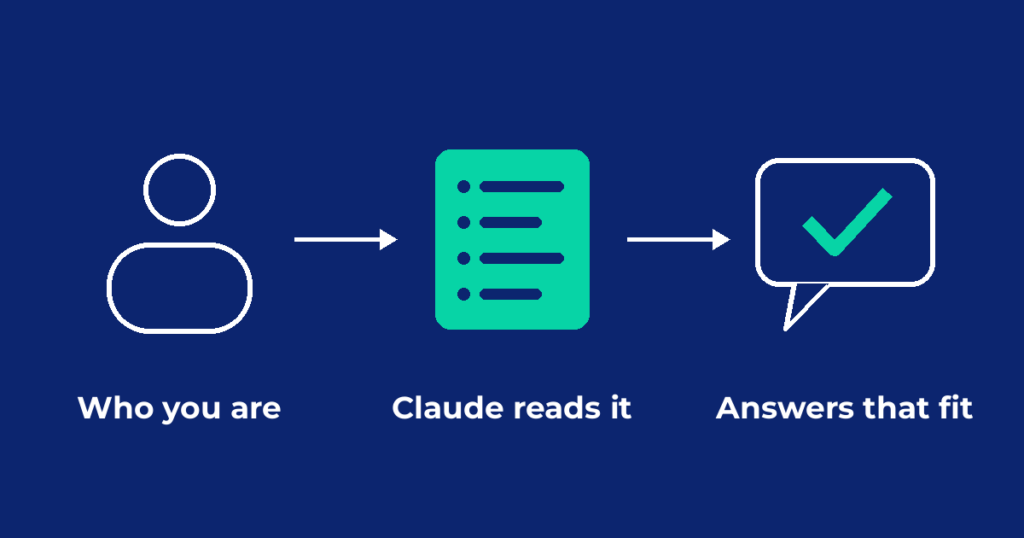
You wouldn’t hire an assistant without onboarding them
You wouldn’t hire an assistant and expect them to know you straight away. You would sit down with them and say, “Listen, I need the information this way.”
At first an assistant may give it to you in a certain way. Over time they get to know you and how you work, and they shape the information specifically for you and your personality.
We all have different personalities. We all work in certain ways. Some people just want to bulldoze in and make stuff happen. Other people like to cross all the Ts and dot all the Is before they go anywhere.
When you are talking to Claude, you are hiring an assistant. So you have got to explain to your assistant who you are.
The same answer can be right for me and wrong for you
Two people can work with Claude. I could look at what it gives me and say, “This is incredible. This is exactly what I wanted to see.”
It could give the exact same information to you, and you would say it is vague, or it is too detailed, or it is just not the way you want to see things. It is exactly the same information. It works for me and it doesn’t work for you, or the other way around.
So it is important that you let Claude know how you need the information given to you.
What changed when I told Claude how I work
A long time ago I did a Kolbe test, which shows how you like to take action. I was just playing around, and I fed my results into Claude.
Before that, I would say to Claude, “Let’s plan out a project,” and it would give me a twelve-point plan. Now it looks at how I work and it gives me three high-level ideas. Pick one, and we build from there. Big picture first, and the detail later on.
That is what I want to see. It is the same point I made about prompts: the context you give the AI matters more than the perfect prompt.
It matters most when Claude is working as your assistant
This is especially true with Claude Cowork. It is not a search box. Cowork is your co-worker. It runs scheduled tasks for you. It accesses your files, and the parts of your computer that you give it access to.
Keep privacy and security in mind. On my Mac I say, “This is your folder, Claude. You have access to everything inside this folder, but the rest of my Mac is secure.”
If you took on an assistant who had that kind of access, you would onboard them. You would say, “This is the way I like to see the information.” Claude is no different.
You don’t have time to work this out
If you are a director of a large company, a cafe owner, an accountant, a solicitor or a car mechanic, you don’t have time to work out how Claude should be set up.
So keep it simple. When you set up Claude, tell it who you are and what you do. Then tell it how you like to work. It really speeds things up.
And it is not even better information. It is the same information, communicated to you in a different way, so you understand it. You feel, “Claude gets me.” That makes a big difference.
Want to talk it through?
If you run a business and would like to talk through how AI could work for you, book a call with me here.